Verdict
The Best 5Aggregated review·15 sources·updated May 24, 2026·checked July 28, 2026

Best Chromebooks Under $500

Top 5 Chromebooks under $500 ranked by aggregate score from 15 published reviews for performance, display, battery, and value.

This guide aggregates 15 published reviews across 5 products; the thinnest-sourced pick rests on 3. How we rank.

Verdict is reader-supported. As an Amazon Associate we earn from qualifying purchases. Some links on this page are affiliate links — if you click through and buy, we may earn a small commission at no extra cost to you. Our ratings are sourced from independent publications, not sponsors.
Quick answer

Lenovo IdeaPad Flex 5i Chromebook Plus is our top pick for chromebooks under $500 — an averaged 4.3/5 across 3 published reviews at about $649.99. Runner-up: ASUS Chromebook Plus CX34 (~$390).

At a glance5 products
3 sources1 derived
$649.99Best for: Buyers who want one versatile device for work, school, and entertainment, with a premium feel and tablet mode at a mid-range price.
$649.99 · Check Price on Amazon
3 sources1 derived
$390Best for: Students and hybrid workers who prioritize all-day battery life and fast multitasking in a no-fuss clamshell.
$390 · Check Price on Amazon
3 sources
Best for: Budget buyers and households who need a cheap, large-screen second laptop for casual browsing, streaming, and light tasks.
Check Price on Amazon
3 sources1 derived
$395Best for: Buyers who store a lot of files locally or want the most storage and speed per dollar in a lightweight clamshell.
$395 · Check Price on Amazon
3 sources1 derived
$354Best for: Students and commuters who want a comfortable keyboard and a tough, cool-running chassis for browsing and schoolwork.
$354 · Check Price on Amazon

Derived means the reviewer published no score, so one was inferred from their written verdict. Everything else is a number the publisher printed. How we rank.

The full ranking

How we rank →
Lenovo IdeaPad Flex 5i Chromebook Plus
#1 · Top Score
Best for: Buyers who want one versatile device for work, school, and entertainment, with a premium feel and tablet mode at a mid-range price.
Lenovo IdeaPad Flex 5i Chromebook Plus
3 sources1 derived$649.99as of Aug 1
Why it's ranked here

An aluminium convertible with a 14-inch 1920 x 1200 touchscreen and a Core i3-1315U behind it, a specification that reads a tier above what ChromeOS machines usually get. Tom's Guide, PCWorld and ITPro all scored it 4.5 out of 5, and PCWorld gave it an Editors' Choice. Battery life is the one ordinary number, at around nine hours. As a single device that works as a laptop, as a tablet and as a stand for video, nothing else in the category matches it.

Strengths
  • Premium-feeling aluminum chassis with a sturdy 360-degree convertible hinge
  • Bright, crisp 14-inch 1920x1200 touchscreen with a roomy 16:10 aspect ratio
Watch-outs
  • Battery life is good but not class-leading at around nine hours
  • No included stylus despite the 2-in-1 tablet mode
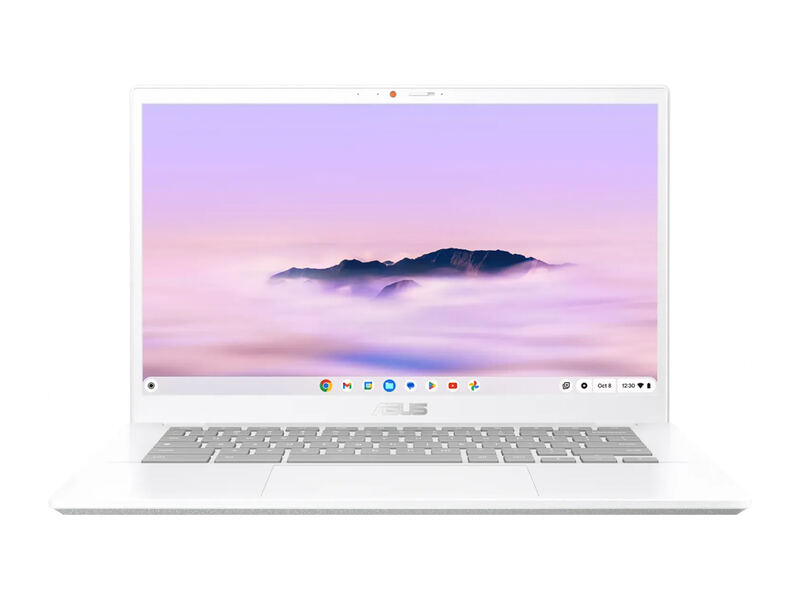
ASUS Chromebook Plus CX34
#2
Best for: Students and hybrid workers who prioritize all-day battery life and fast multitasking in a no-fuss clamshell.
ASUS Chromebook Plus CX34
3 sources1 derived$390as of Aug 1
Why it's ranked here

The ASUS Chromebook Plus CX34 is the endurance and performance champion under $500. PCWorld clocked over 13 hours of battery and praised its fast multi-core Intel CPU, generous ports, and comfortable keyboard, awarding it an Editors' Choice. PCMag rates it 4.0 out of 5 and says it proves budget Chromebooks have more to offer than ever before. Its 16:9 1080p display is solid rather than special and the chassis is plainer than the Lenovo, but for stamina and speed per dollar it is hard to beat.

Strengths
  • Exceptional battery life, over 13 hours in PCWorld's test at low brightness
  • Strong performance from Intel Core i5/i3 options with up to 10 cores
Watch-outs
  • 16:9 1080p display is competent but no longer stands out
  • PCMag noted it lost some ground on battery versus the prior generation in heavier use
ASUS Chromebook CX15
#3
Best for: Budget buyers and households who need a cheap, large-screen second laptop for casual browsing, streaming, and light tasks.
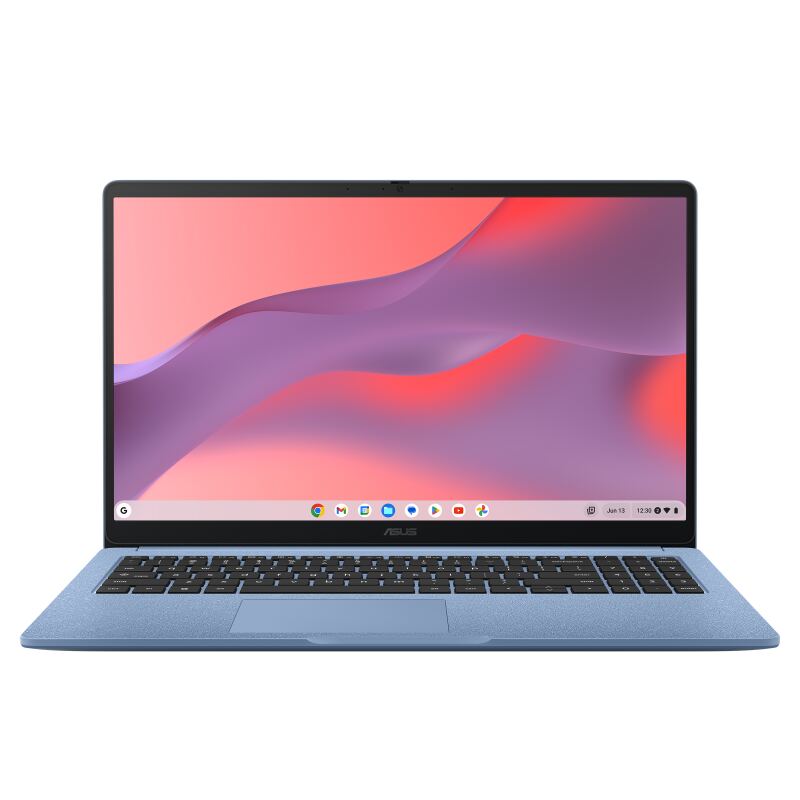
ASUS Chromebook CX15
3 sources
Why it's ranked here

The ASUS Chromebook CX15 is the budget pick: a 15.6-inch ChromeOS laptop that often sells around $159-199, with a crisp matte 1080p display, a decent keyboard, and about 11 hours of battery. Reviewers are clear about the trade-offs, PCWorld (3.5/5) and Tom's Guide (80%) both call it good value but slow, and the entry-level 4GB RAM bogs down under multitasking. As a minimum-viable, casual-use Chromebook it delivers a lot for the money, but it is the slowest option here.

Strengths
  • Outstanding value, often around $159-199
  • Large 15.6-inch 1080p matte display that resists glare
Watch-outs
  • Entry configs ship with only 4GB of RAM, which fills up fast
  • Celeron N4500 is slow once you open more than a few tabs
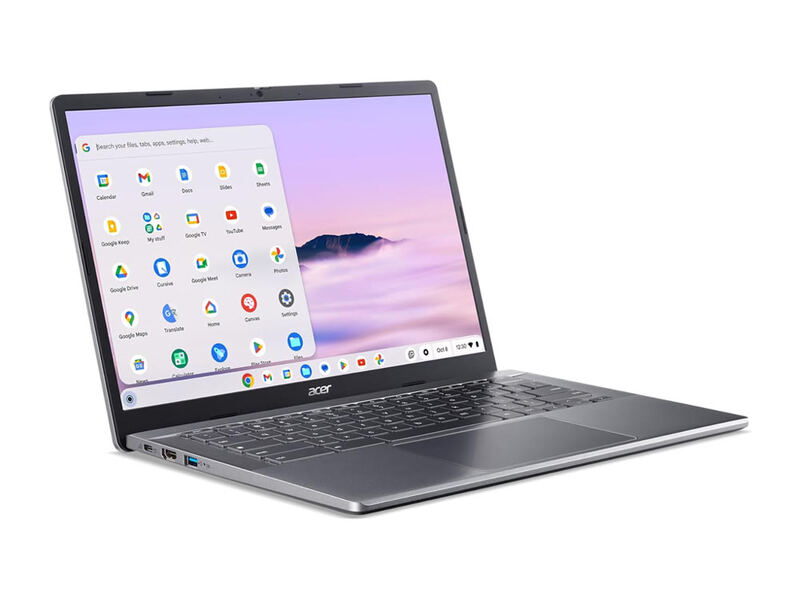
Acer Chromebook Plus 514
#4
Best for: Buyers who store a lot of files locally or want the most storage and speed per dollar in a lightweight clamshell.
Acer Chromebook Plus 514
3 sources1 derived$395as of Aug 1
Why it's ranked here

The Acer Chromebook Plus 514 is the storage-and-value pick: a light 14-inch clamshell with a standout 512GB SSD, snappy Intel Core i3-N305 performance, Wi-Fi 6E, and all-day battery. PCWorld called it a decent budget Chromebook that beats competitors on RAM and storage and felt as quick as pricier peers, while TechRadar praised its speed, display, and sleek design. The screen is a touch dim, but for local storage per dollar nothing here comes close.

Strengths
  • Huge 512GB PCIe Gen 4 SSD, far more local storage than rivals
  • Feels as quick as pricier peers in everyday ChromeOS tasks
Watch-outs
  • Display tops out around 315 nits and can look dim in bright rooms
  • 16:9 1080p panel is less spacious than the Lenovo's 16:10 screen
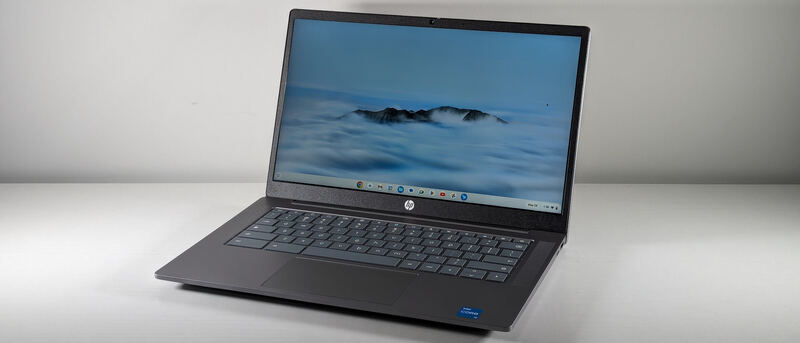
HP Chromebook Plus 14a
#5
Best for: Students and commuters who want a comfortable keyboard and a tough, cool-running chassis for browsing and schoolwork.
HP Chromebook Plus 14a
3 sources1 derived$354as of Aug 1
Why it's ranked here

The HP Chromebook Plus 14a is a sturdy everyday Chromebook built around its keyboard and its cool-running chassis rather than its spec sheet. Laptop Mag rated it 3.5 out of 5, praising the typing experience while flagging a dim display and middling performance from the Intel Core i3-N305. It is a dependable clamshell for browsing and schoolwork that the higher picks here beat on screen, storage and speed.

Strengths
  • Keyboard is comfortable enough to be the reason to buy the laptop
  • Chassis is thick and heavy enough to survive a school bag
Watch-outs
  • Intel Core i3-N305 performance trails the best at this price
  • The 14-inch 1920x1080 panel is dimmer and duller than average
Reviews aggregated from
PCWorldTom's GuideItproTechRadarNotebookCheckPCMagLaptop Mag

Spec comparison

5 products
vs
SpecLenovo IdeaPad Flex 5i Chromebook PlusASUS Chromebook Plus CX34
CPUIntel Core i3-1315UIntel Core i5-1335U (i3 option available)
RAM8GB8GB
Storage128GB eMMC128GB SSD
Display14" 1920x1200 IPS touch, 300 nits14" 1920x1080 touchscreen, 16:9
Weight3.52 lb3.17 lb
Battery~9 hoursUp to 13+ hours
OSChromeOS (Chromebook Plus)ChromeOS (Chromebook Plus)
PortsUSB-C, USB-A, HDMI

Frequently asked questions

What's the strongest pick among chromebooks under $500?
Lenovo IdeaPad Flex 5i Chromebook Plus holds the top score for chromebooks under $500 — 4.3/5 averaged from 3 published reviews. An aluminium convertible with a 14-inch 1920 x 1200 touchscreen and a Core i3-1315U behind it, a specification that reads a tier above what ChromeOS machines usually get. Tom's Guide, PCWorld and ITPro all scored it 4.5 out of 5, and PCWorld gave it an Editors' Choice. Battery life is the one ordinary number, at around nine hours. As a single device that works as a laptop, as a tablet and as a stand for video, nothing else in the category matches it.
How current is this ranking?
This guide was last re-checked in May 2026. Prices, links, and source ratings are re-verified on a rolling basis, and the ranking updates when the underlying scores change.

Related guides

Browse all →