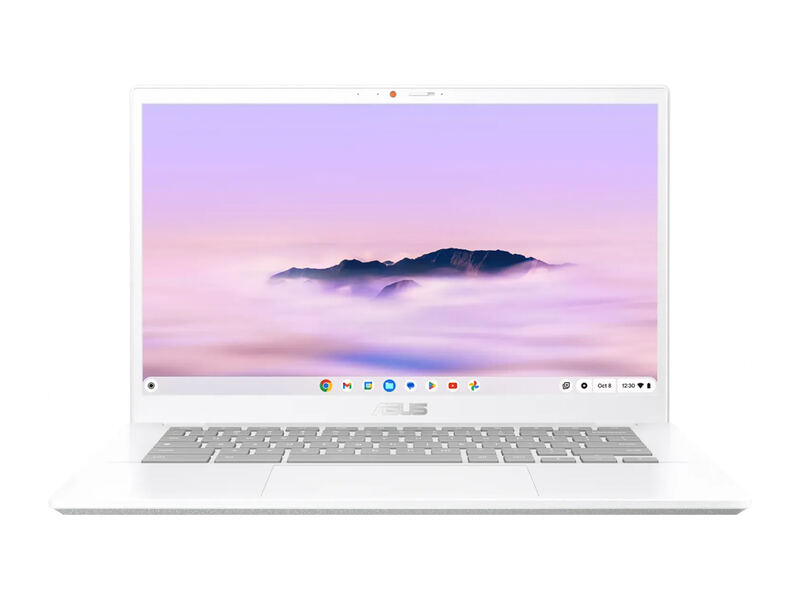
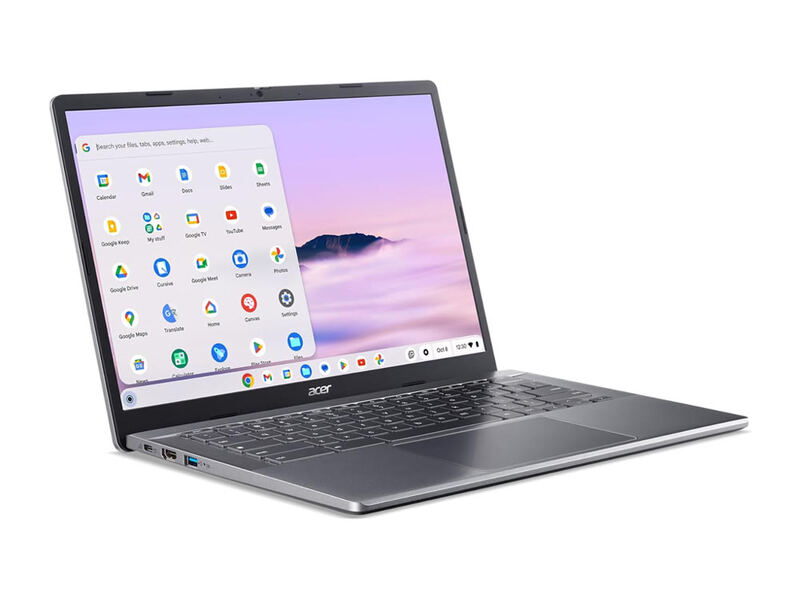
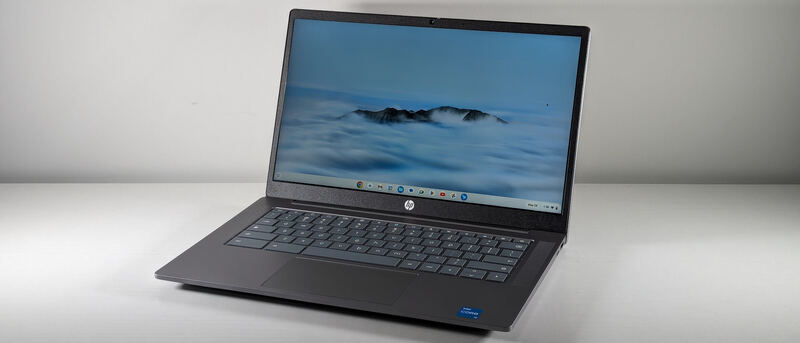
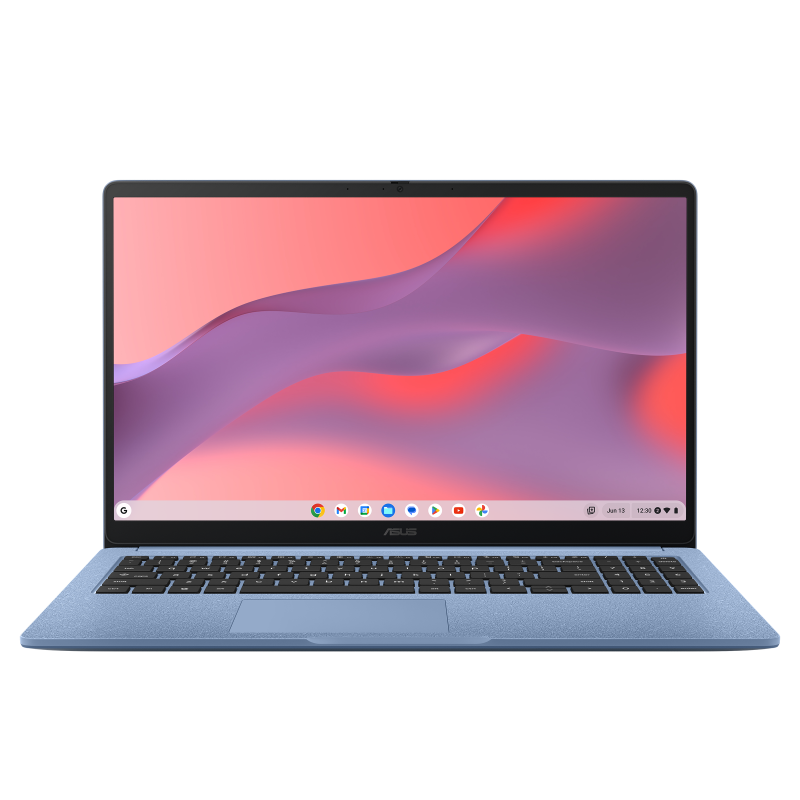
The ASUS Chromebook CX15 is the budget pick: a 15.6-inch ChromeOS laptop that often sells around $159-199, with a crisp matte 1080p display, a decent keyboard, and about 11 hours of battery. Reviewers are clear about the trade-offs, PCWorld (3.5/5) and Tom's Guide (80%) both call it good value but slow, and the entry-level 4GB RAM bogs down under multitasking. As a minimum-viable, casual-use Chromebook it delivers a lot for the money, but it is the slowest option here.
Full review
Called the slowest ChromeOS machine reviewed in years
The CX15's performance is its defining limitation, and reviewers are candid about it. PCWorld measured it as "the slowest ChromeOS machine PC World has reviewed in several years," noting that "4GB of memory is incredibly slim for any modern laptop, even a Chromebook, and quickly becomes a problem." In practice the Celeron N4500 is fine with "a couple browser tabs open," but "as the tab count grows to a half-dozen or more, it starts to slow," per PCWorld.
That said, the experience is acceptable within its lane. TechRadar found it "a better performer than its seriously budget price tag might lead you to believe," and for single-task use, browsing, watching video, writing in Google Docs, it does the job. The key is matching expectations: this is a casual, light-duty machine, not a multitasking workhorse, and buyers who treat it that way rather than expecting flagship responsiveness will be satisfied. Opting for the 8GB configuration meaningfully eases the memory pressure if you can find it.
Display and Design
For a laptop this cheap, the CX15 delivers a genuinely good screen. PCWorld noted that "the CX15's 1080p resolution, paired with a matte display coat, helps the laptop provide a crisp, clear image in most situations," and the matte finish is a practical win, cutting glare in bright rooms where many budget glossy panels struggle. At 15.6 inches it is also the largest display in this comparison, which suits video and split-screen browsing, and the extra screen real estate is a genuine comfort advantage over the 14-inch rivals for at-home use.
The design is slim and reasonably light for a 15-inch machine at 3.51 pounds. The keyboard is a pleasant surprise: PCWorld found it "provides good key travel, reasonable tactile feel, and some audible feedback with each keystroke." It is not a premium chassis, but it is well-judged for the price, and the larger footprint makes it comfortable for at-home use even if it is bulkier to carry than the 14-inch rivals like the HP 14a and Acer 514.
Battery and Connectivity
Battery life is a strength. The 42Wh cell delivered roughly 11 hours, comfortably enough for a full day of light use and competitive with far more expensive Chromebooks. The efficient low-power Celeron is part of the reason: it sips power, which offsets some of the frustration of its slower speed and means you rarely need to hunt for a charger during a normal day.
Connectivity covers the essentials with USB-C, USB-A, and HDMI, so you can charge over USB-C, attach peripherals, and drive an external monitor without a hub. It is not as future-proof as the Wi-Fi 6E Acer 514, but for the casual buyer the port selection and wireless are perfectly adequate for everyday browsing and streaming. Being able to charge over USB-C also means it shares chargers with phones and tablets, a small convenience that suits the spare-laptop role this machine is built for.
The 128GB of eMMC storage is on the slower side but adequate for a device whose files mostly live in the cloud, and it is double the capacity of the cheapest Chromebooks. For the buyer who treats the CX15 as a browsing-and-streaming machine rather than a local media vault, the storage, battery, and connectivity together cover the essentials without fuss or unpleasant surprises.
Value
Value is the entire point of the CX15. It frequently sells around $159-199, a fraction of the higher-ranked picks, and Tom's Guide captured the appeal by calling it "a sub-$300 laptop with amazing value." PCWorld's framing as "the minimum viable laptop" that "can handle the basics at an extremely low price" is the honest summary: you are buying a competent large-screen ChromeOS device for the cost of a nice accessory.
For households that need a spare laptop, a child's first computer, or a cheap couch-browsing machine, that math is compelling. The compromises, slow CPU, slim RAM, are exactly what you would expect at the price, and the matte 1080p screen and long battery are pleasant extras that lift it above the cheapest dross. It is the best choice here strictly when budget is the overriding constraint.
It is worth stressing how much you actually get for the money. A 15.6-inch matte 1080p screen, a comfortable keyboard, around 11 hours of battery, and a full port selection would have been a mid-range Chromebook just a couple of years ago. Buying it as the casual machine it is, rather than expecting it to keep pace with the Intel Core i3 and i5 picks, is the key to being happy with it. Within those expectations, it delivers more usable hardware per dollar than anything else in this comparison, which is exactly what a budget pick should do.
Missing the Chromebook Plus AI features entirely
The CX15's weaknesses are performance and memory. The Celeron N4500 is slow, and the 4GB RAM in entry configurations fills up quickly, leading to the multitasking slowdowns PCWorld documented. It is also not a Chromebook Plus device, so it misses the AI and enhanced features that the other four picks include. Buyers expecting smooth heavy multitasking or fast app loading will be disappointed.
It is best understood as a casual, single-task or light-multitask machine. Pushed beyond that, it struggles in ways the Intel Core i3 and i5 rivals do not. That is the price of the price: the CX15 trades speed and features for an exceptionally low cost, and whether that is the right trade depends entirely on how lightly you intend to use it.
Sub-$200 price with the largest 15.6-inch screen
The CX15 is in a different class from the rest of this lineup. The Lenovo IdeaPad Flex 5i Chromebook Plus, ASUS Chromebook Plus CX34, Acer Chromebook Plus 514, and HP Chromebook Plus 14a all use far faster Intel Core i3 or i5 processors, carry the Chromebook Plus feature tier, and cost roughly twice as much. They are better laptops in nearly every respect except price and screen size.
What the CX15 offers that they do not is a sub-$200 entry point and the largest (15.6-inch) matte display in the group, along with a strong ~11-hour battery. It is the value-first, casual-use option: if you simply need a cheap, big-screen Chromebook for basic tasks and can live with the slower performance, it delivers more than its price suggests.
A sensible first computer for a child
The ASUS Chromebook CX15 is for the budget-constrained buyer or the household that needs an inexpensive, large-screen second laptop for browsing, streaming, email, and light document work. It is also a sensible first computer for a child or a low-stakes loaner, where the low price offsets the modest performance and any wear and tear is no great loss.
It is the wrong choice for anyone who multitasks heavily, wants the AI features of the Chromebook Plus tier, or expects snappy performance, all of which the higher-ranked i3 and i5 machines deliver. But as a minimum-viable, maximum-value Chromebook, the CX15 earns its place at the bottom of a strong lineup by serving a buyer the others price out of reach. If your alternative is no laptop at all, or a sketchy off-brand machine, the CX15 is the safe, name-brand way to get a large, usable ChromeOS device for the least money, and that is a real and valuable role even though it cannot compete with the rest of this list on capability.
Strengths
- +Outstanding value, often around $159-199
- +Large 15.6-inch 1080p matte display that resists glare
- +Decent keyboard with good travel for a budget machine
- +Slim, light design for a 15-inch laptop
- +Long battery life, around 11 hours
Watch-outs
- −Entry configs ship with only 4GB of RAM, which fills up fast
- −Celeron N4500 is slow once you open more than a few tabs
- −PCWorld calls it the slowest ChromeOS machine it has reviewed in years
- −Best treated as a basic, casual-use second laptop
How it compares
It is not a Chromebook Plus device, so it lacks their AI features, but its 15. 6-inch matte panel and ~11-hour battery are genuine strengths.
Rating sources
“Consider the Chromebook CX15 the minimum viable laptop. It's not great at anything, but it can handle the basics at an extremely low price.”
“A sub-$300 laptop with amazing value.”
“A better performer than its seriously budget price tag might lead you to believe.”
Our 3.8 score is the average of these published ratings. More about methodology.