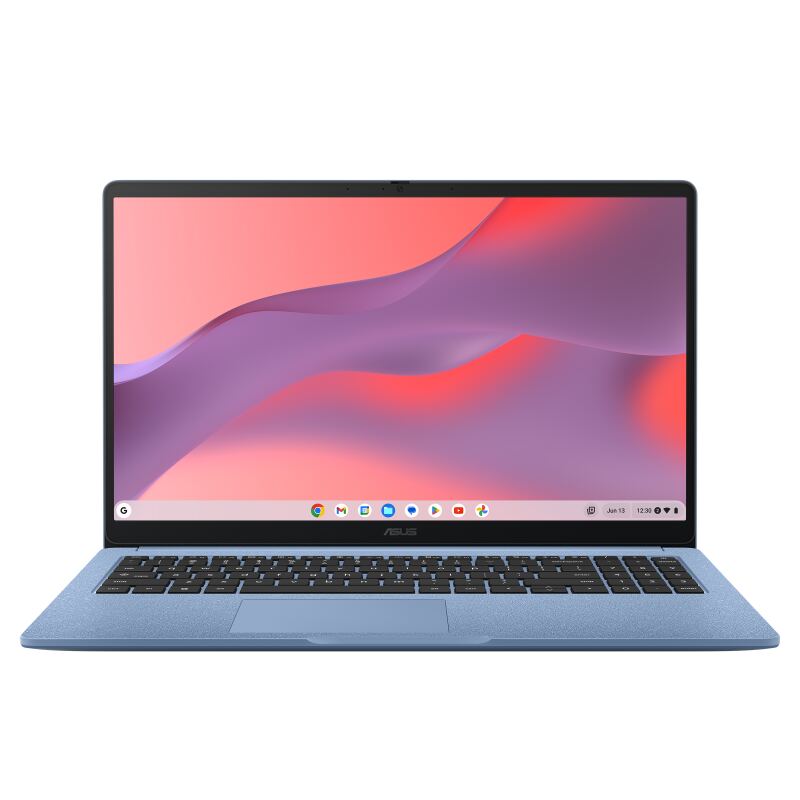
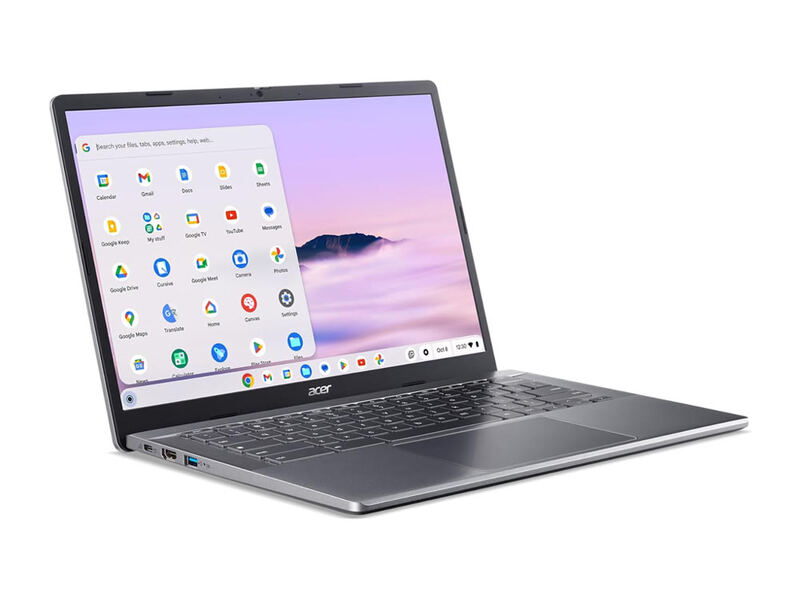
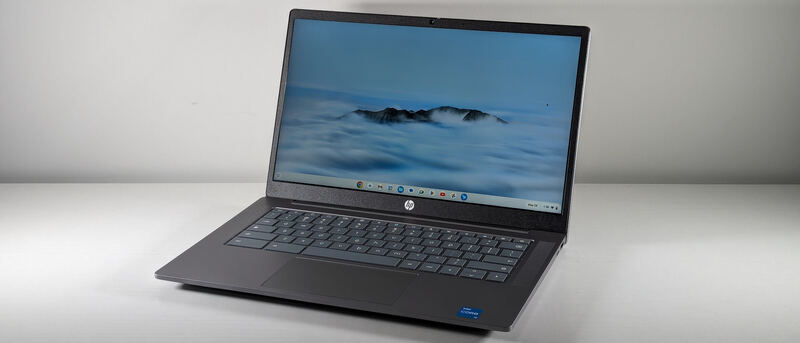
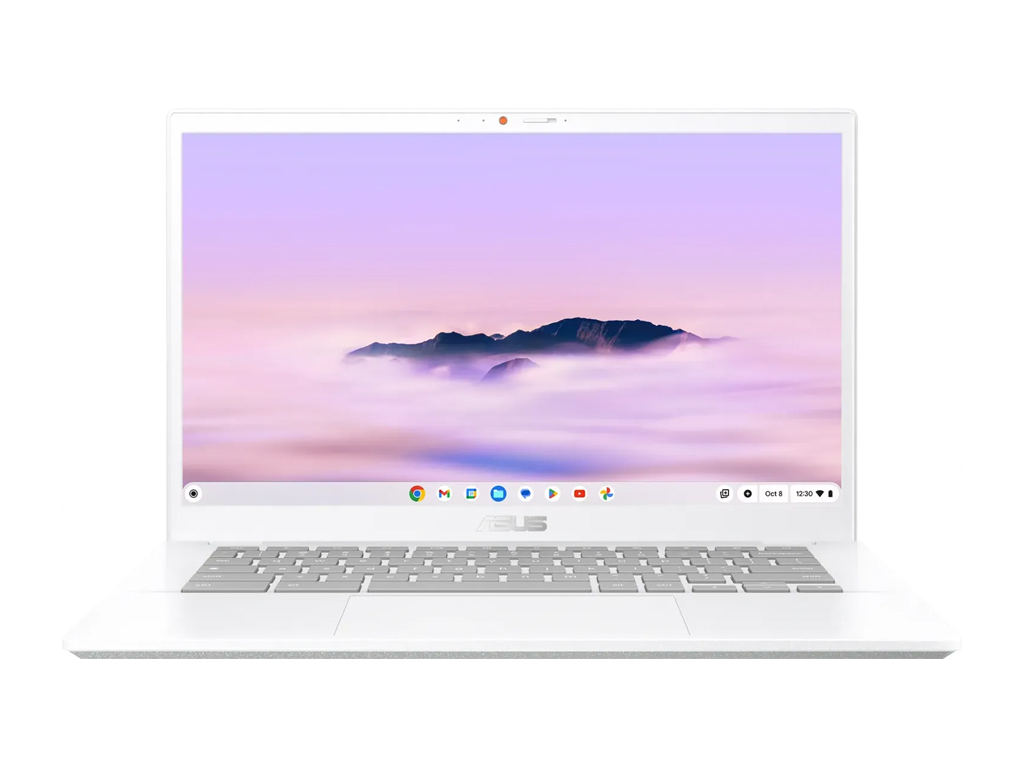
The ASUS Chromebook Plus CX34 is the endurance and performance champion under $500. PCWorld clocked over 13 hours of battery and praised its fast multi-core Intel CPU, generous ports, and comfortable keyboard, awarding it an Editors' Choice. PCMag rates it 4.0 out of 5 and says it proves budget Chromebooks have more to offer than ever before. Its 16:9 1080p display is solid rather than special and the chassis is plainer than the Lenovo, but for stamina and speed per dollar it is hard to beat.
Full review
10 cores and clock speeds up to 4.6GHz
The CX34 punches above its price on raw speed. PCWorld's review unit used an Intel Core i5-1335U, and the reviewer noted it "delivers faster performance because of its higher core count (10 cores) and better clock speeds (up to 4.6GHz)," making it one of the quicker ChromeOS machines under $500. Even the i3 configuration is brisk for the web-app and document workloads Chromebooks are built around; ITPro summed up the value as "i3-powered goodness for students and small businesses."
PCMag, which scored it 80%, concluded that it "proves that budget-friendly Chromebooks have more to offer than ever before, with more performance and even better features." In daily use that translates to smooth multitasking across many tabs and Android apps, with enough headroom that the machine rarely feels like it is straining, a meaningful step up from the Celeron-class budget Chromebooks.
The i3 configuration deserves a mention because it is the version most buyers will find under $500, and it is no slouch: ITPro's "i3-powered goodness for students and small businesses" framing reflects that even the cheaper chip handles the productivity workloads Chromebooks are built for. Whether you opt for the i3 or the faster i5, the CX34 sits among the quickest ChromeOS machines in its price bracket, and that speed is paired with the long battery life that defines the model. The result is a laptop that feels equally happy grinding through a long workday of documents or juggling a stack of tabs and a video call.
Battery and Endurance
Battery life is the CX34's headline strength. PCWorld measured "a little over 13 hours on a single charge" in its test, albeit at low brightness, which is exceptional for the class and the best in this comparison by a wide margin. Even in heavier real-world use, it comfortably clears a full work or school day with charge to spare, making it the obvious pick for anyone who is regularly away from an outlet.
PCMag did note that the latest model "lost ground on battery life" compared to its predecessor under heavier loads, so the 13-hour figure reflects light use rather than constant video or demanding multitasking. Even so, its endurance advantage over the roughly nine-hour Lenovo Flex 5i is the single clearest reason to choose the CX34, particularly for commuters and travelers. For a student who is on campus from morning lectures through evening study, or a worker who hot-desks without a reliable outlet, the extra hours genuinely change how the laptop fits into a day: you can leave the charger at home with confidence, which none of the other picks here quite allow.
Keeps USB-C USB-A and HDMI all onboard
The CX34 is a tidy, practical 14-inch clamshell that weighs a manageable 3.17 pounds. PCWorld praised its keyboard and touchpad, noting the keyboard "is comfortable to use for long periods of time" and that "the slippery surface of the touchpad is great for multitouch gestures." The chassis is plastic-heavy and plainer than the aluminum Lenovo Flex 5i, but it feels solid and well-assembled rather than cheap.
A standout practical feature is connectivity: PCWorld observed that "the Asus Chromebook Plus CX34 really doesn't skimp on ports, which is great for a laptop in this price range," with USB-C, USB-A, and HDMI all present. That means you can drive an external monitor, connect legacy peripherals, and charge over USB-C without carrying a hub, a genuine convenience for desk-and-go users who alternate between a home setup and the road. The HDMI port in particular is increasingly rare on thin laptops, so its inclusion saves a dongle for presentations or a second screen.
The keyboard is the other build highlight. Comfortable key travel and a roomy layout make it a strong choice for anyone who writes a lot, and the glass-smooth touchpad handles ChromeOS gestures cleanly. The chassis does not feel luxurious the way the aluminum Lenovo Flex 5i does, but at 3.17 pounds it is light enough to carry all day and rigid enough to inspire confidence in a backpack. It is a function-first design that gets the fundamentals right.
Display
The CX34 has a 14-inch 1920x1080 panel, and the latest model adds a touchscreen that the prior 2023 version lacked. PCWorld welcomed that addition: "the 2023 model didn't have a touch display, so this is a great addition that adds more value overall." Touch makes Android apps and the occasional swipe-based interaction more natural even though this is a clamshell, not a convertible, and it closes a feature gap with the touchscreen Lenovo Flex 5i and Acer 514.
The trade-off is that the 16:9 1080p panel, while perfectly competent, no longer stands out: PCMag noted the CX34's "High-quality FHD display" while placing it against increasingly capable rivals. It is bright and sharp enough for everyday work, but the taller 1200p screen on the Lenovo Flex 5i shows more content at once, and buyers who spend all day reading and editing documents may notice the difference. For most browsing, streaming, and app use, though, the panel is perfectly pleasant and not a reason to pass on the laptop.
13-hour battery claim is a best-case number
The CX34's weaknesses are modest. Its 16:9 1080p display is solid but unremarkable, and reviewers note it has lost the edge it once had as competitors improved their panels. The 128GB of storage is on the small side for anyone who keeps a lot of files locally, where the Acer 514's 512GB SSD is far more generous. And the plastic-leaning chassis, while sturdy, lacks the premium hand-feel of the aluminum Lenovo Flex 5i.
PCMag lists "Average battery life" as a con, measuring 12:46 in its rundown test and noting the Asus "still delivered more than 12 hours of battery life" while rivals "frequently last as long as 15 hours" — so demanding users will see less. None of these undercut its core appeal as the endurance-and-speed pick, but they keep it just behind the more well-rounded Lenovo.
Wins on battery but loses the convertible hinge
Versus the Lenovo IdeaPad Flex 5i Chromebook Plus, the CX34 wins decisively on battery and matches it on performance, but gives up the convertible form factor, the taller 1200p display, and the premium aluminum build. The choice between them largely comes down to whether you value endurance (CX34) or versatility and screen (Flex 5i).
Against the Acer Chromebook Plus 514, the CX34 offers stronger CPU options and far better battery, while the Acer counters with a much larger 512GB SSD. Both the HP Chromebook Plus 14a and ASUS Chromebook CX15 are slower and less enduring, so the CX34 clearly outclasses them. It is the best pick for buyers who rank stamina and speed above screen quality and build.
Best for getting through a full day unplugged
The ASUS Chromebook Plus CX34 is the ideal Chromebook for the student or hybrid worker who needs to get through a long day on a single charge and wants snappy multitasking to go with it. Its strong CPU options, generous ports, and class-leading endurance make it a reliable, no-fuss workhorse that rarely leaves you hunting for an outlet.
It is a weaker pick for buyers who want the nicest screen and chassis (the Lenovo Flex 5i is better there), who need lots of local storage (the Acer 514 wins), or who want a tablet mode (only the Flex 5i delivers that). But if battery life and performance per dollar top your list, the CX34 is the standout, and for a large share of practical Chromebook buyers those are exactly the right priorities.
Strengths
- +Exceptional battery life, over 13 hours in PCWorld's test at low brightness
- +Strong performance from Intel Core i5/i3 options with up to 10 cores
- +Generous port selection including USB-C, USB-A, and HDMI
- +Comfortable keyboard and accurate, multitouch-friendly touchpad
- +Added touchscreen on the latest model boosts value over the 2023 version
Watch-outs
- −16:9 1080p display is competent but no longer stands out
- −PCMag noted it lost some ground on battery versus the prior generation in heavier use
- −128GB storage is modest for buyers who keep files locally
- −Plastic-heavy chassis feels less premium than the Lenovo Flex 5i
How it compares
Like the Acer Chromebook Plus 514 and HP Chromebook Plus 14a it is a 14-inch clamshell, but it offers stronger CPU options than the Acer's i3-N305 and the HP. Its widescreen 1080p panel is less spacious than the Flex 5i's taller, more square display.
Rating sources
“The Asus Chromebook Plus CX34 lasted a little over 13 hours on a single charge during my battery test.”
“i3-powered goodness for students and small businesses.”
Our 4.2 score is the average of these published ratings. More about methodology.