The Lenovo IdeaPad Flex 5i Chromebook Plus is the best all-around Chromebook under $500. It pairs a genuinely premium aluminum 2-in-1 chassis with a bright 1200p touchscreen, a quick Core i3 processor, and the Chromebook Plus feature tier. Reviewers across Tom's Guide, PCWorld, and Laptop Mag praised its build, display, and performance for the money, and PCWorld handed it an Editors' Choice award. Battery life is merely good rather than great, but as a do-everything pick it leads the field.

Full review
Real-World Performance
The Flex 5i Chromebook Plus runs on Intel's Core i3-1315U, a six-core chip that PCWorld noted is "designed for day-to-day use and that's exactly what it does and it does it well." In practice that means it handles the heavy-tab-count, multi-app workflow that bogs down cheaper Chromebooks: Laptop Mag's reviewer found it "booted up within seconds" and let them "jump from tab to tab without any noticeable lag." For a ChromeOS machine at this price, it is comfortably quicker than the Celeron-class budget options and on par with rivals costing more.
Because it sits in the Chromebook Plus tier, the Flex 5i meets Google's higher hardware bar (a faster CPU, 8GB of RAM, and a 1080p-or-better webcam) and unlocks the platform's AI and offline features. Tom's Guide highlighted that it "takes full advantage of Google's AI-infused Chrome OS," including tools like Magic Editor in Google Photos and offline file access. The net effect is a Chromebook that feels responsive and modern rather than like a stripped-down web terminal. ITPro, which titled its review around value, concluded plainly that "you can't beat this Chromebook Plus for value," reinforcing that the performance you get for the money is the Flex 5i's core appeal.
Day to day, that performance headroom shows up in the small moments: switching between a dozen browser tabs, a video call, and a couple of Android apps without the lag-then-catch-up stutter that defines cheaper machines. The eight gigabytes of RAM is the floor for the Chromebook Plus tier and it shows, keeping the system fluid where 4GB budget models (like the entry ASUS CX15) bog down. For a device most buyers will keep for years of ChromeOS updates, that responsiveness is what makes it feel like a long-term investment rather than a disposable stopgap.
Build Quality and Design
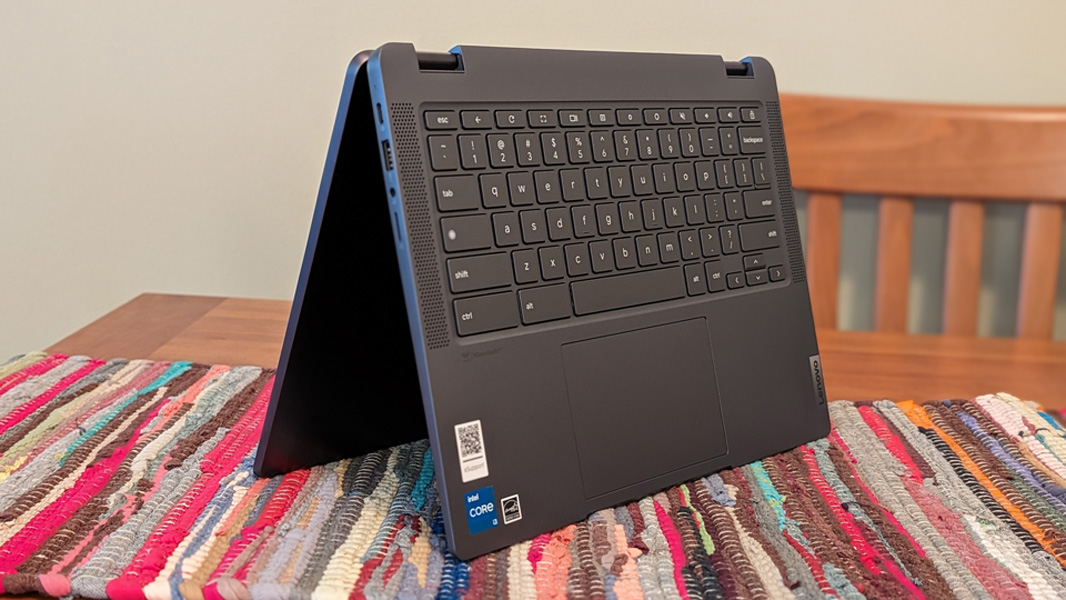
Build quality is the Flex 5i's standout. PCWorld's reviewer was so struck on unboxing that they "let out a low whistle," calling it a device that "looks and feels fancy, real fancy." The Storm Grey aluminum chassis feels well above its price class, and the 360-degree convertible hinge is, in Tom's Guide's words, "firm and relatively unyielding," so it stays put in tent and tablet modes rather than flopping around. At 3.52 pounds it is on the heavier side for a 14-inch Chromebook, a fair trade for the rigidity.
The convertible form factor is what sets it apart from every other pick here. It flips from a standard clamshell into tent, stand, and tablet orientations, making it equally at home for typing, watching video, or sketching on the touchscreen. The chassis houses a comfortable, springy keyboard that reviewers consistently praise, plus a generous touchpad. It is the only device in this comparison that doubles convincingly as a tablet. That flexibility matters more than it sounds: students can flip it into tent mode for a video lecture, fold it flat to read in tablet mode, or use it as a normal laptop for essays, all without owning a second device. The hinge tension is judged well enough that the screen does not wobble when you tap it in laptop mode, a common failing on cheaper convertibles.
Display and Touchscreen
The Flex 5i uses a 14-inch 1920x1200 IPS touchscreen with a 16:10 aspect ratio and around 300 nits of brightness. PCWorld called the panel "very crisp and vibrant," and the taller 16:10 shape is a real productivity advantage over the 16:9 1080p panels on the ASUS CX34, Acer 514, and HP 14a, showing more of a webpage or document before you scroll. It is bright enough for indoor and shaded outdoor use, though like most Chromebooks at this price it can struggle in direct sun.
Touch response is smooth and accurate, which matters because the convertible design leans on it. The glossy finish makes colors pop for video and photos but does pick up reflections and fingerprints. There is no bundled stylus, which Tom's Guide flagged as a missed opportunity given how naturally the tablet mode invites note-taking and sketching; you can add a USI pen separately.
Battery and Connectivity
Battery life is the one area where the Flex 5i lands mid-pack. PCWorld measured "a little over nine hours on a single charge," which it described as "a great all-day result," and that is genuinely enough for a school or work day. But it trails the ASUS Chromebook Plus CX34, which can stretch past 13 hours, so frequent travelers who prize endurance may prefer that model. For most users who charge nightly, nine hours is ample.
Connectivity is well-rounded for the class, with USB-C, USB-A, and a microSD slot, and Lenovo bundles a microSD card to supplement the modest 128GB of onboard eMMC storage. Wi-Fi 6 keeps wireless throughput current. The ports cover the common accessories and external displays a student or hybrid worker needs without dongles, reinforcing the all-rounder positioning.
Where It Falls Short
The Flex 5i's compromises are minor but real. The battery, while good, is not class-leading, and buyers who want maximum unplugged time should look at the ASUS CX34. The 128GB of eMMC storage is on the small side and is slower than the SSDs in the Acer 514, which is why Lenovo includes a microSD card to expand it. And despite the tablet mode practically begging for one, there is no stylus in the box.
At 3.52 pounds it is also the heaviest 14-inch option here, a consequence of the sturdy aluminum build. None of these are dealbreakers for the device's target buyer, but they explain why it is a well-rounded leader rather than a runaway one: it wins on balance and build rather than by dominating any single specification.
How It Compares to Alternatives
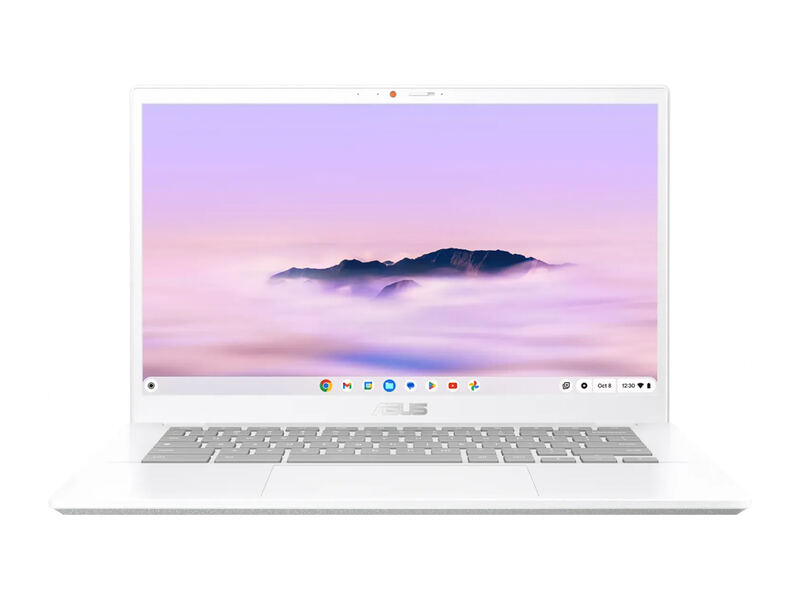
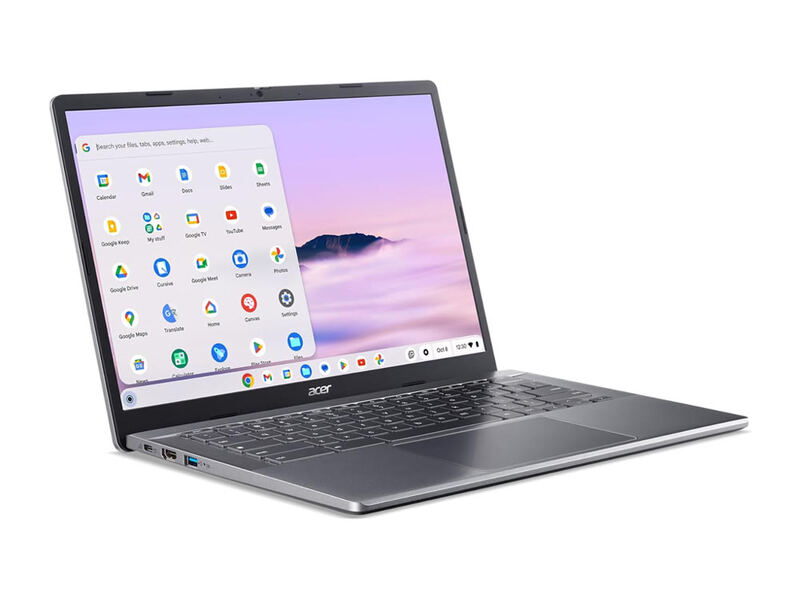
Against the ASUS Chromebook Plus CX34, the Flex 5i offers a better, taller display and a convertible form factor, while the CX34 wins decisively on battery life. Compared to the Acer Chromebook Plus 514, the Flex 5i has the nicer chassis and touchscreen, but the Acer's 512GB SSD dwarfs its 128GB eMMC for buyers who store a lot locally.
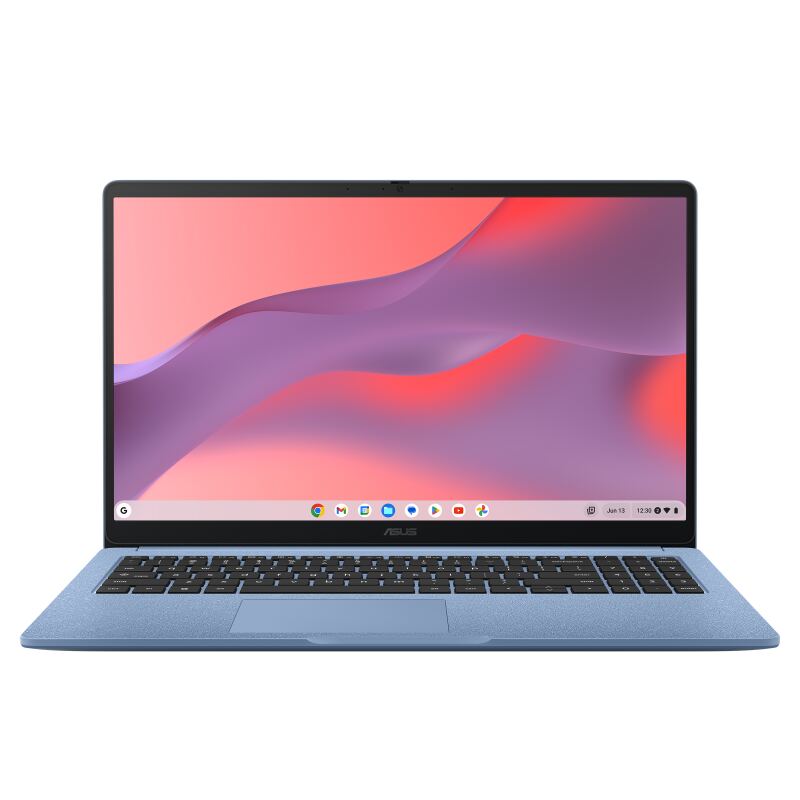
The HP Chromebook Plus 14a and ASUS Chromebook CX15 are both cheaper and simpler clamshells; neither matches the Flex 5i's build, display, or 2-in-1 versatility. The Flex 5i costs more than those budget picks, but it is the device most buyers will be happiest with long-term, which is why it earns the top spot as the best balance of price, quality, and flexibility in the category.
Who It's Best For
The Flex 5i Chromebook Plus is the right pick for the buyer who wants a single device that does everything well: a comfortable laptop for typing and browsing, a tablet for reading and video, and a capable platform for Google's AI tools, all in a chassis that feels far more expensive than it is. Students, hybrid workers, and families who want one premium-feeling ChromeOS device will get the most from it.
It is a weaker choice for someone whose top priority is all-day battery (the ASUS CX34 is better), who needs lots of local storage (the Acer 514's 512GB SSD wins), or who simply wants the cheapest functional Chromebook (the ASUS CX15 undercuts it dramatically). But for overall quality and versatility under $500, nothing else here matches it. It is the one device in the lineup that does not force a major compromise, and that balance is exactly why it tops the ranking.
Strengths
- +Premium-feeling aluminum chassis with a sturdy 360-degree convertible hinge
- +Bright, crisp 14-inch 1920x1200 touchscreen with a roomy 16:10 aspect ratio
- +Snappy Intel Core i3-1315U handles heavy multitasking without lag
- +Chromebook Plus tier unlocks Google AI features and offline tools
- +Comfortable keyboard and excellent value at the $499 list price
Watch-outs
- −Battery life is good but not class-leading at around nine hours
- −No included stylus despite the 2-in-1 tablet mode
- −128GB of eMMC storage is modest (a microSD card is bundled to help)
- −Heavier than slimmer clamshell rivals at 3.5 pounds
How it compares
The Flex 5i is the only true convertible 2-in-1 in this group, where the ASUS Chromebook Plus CX34, Acer Chromebook Plus 514, HP Chromebook Plus 14a, and ASUS Chromebook CX15 are all clamshells. Its taller 1200p 16:10 display beats the 1080p 16:9 panels on the others, though its ~9-hour battery trails the 13-hour ASUS CX34.
Who this is for
At a glance: Buyers who want one versatile device for work, school, and entertainment, with a premium feel and tablet mode at a mid-range price.
Why you’d buy the Lenovo IdeaPad Flex 5i Chromebook Plus
- Premium-feeling aluminum chassis with a sturdy 360-degree convertible hinge.
- Bright, crisp 14-inch 1920x1200 touchscreen with a roomy 16:10 aspect ratio.
- Snappy Intel Core i3-1315U handles heavy multitasking without lag.
Why you’d skip it
- Battery life is good but not class-leading at around nine hours.
- No included stylus despite the 2-in-1 tablet mode.
- 128GB of eMMC storage is modest (a microSD card is bundled to help).
Rating sources
“A cheap Chrome 2-in-1 that feels premium thanks to its comfy keyboard, bright 1200p touchscreen and sturdy chassis.”
“When I lifted the Lenovo Flex 5i Chromebook Plus out of the box, I couldn't help but let out a low whistle. This thing looks and feels fancy.”
“You can't beat this Chromebook Plus for value.”
Our 4.6 score is the average of these published ratings. Ratings marked * were derived from the reviewer’s written analysis or video transcript — the publisher didn’t print an explicit numeric score, so we inferred one from their own words. Click through to verify. More about methodology.