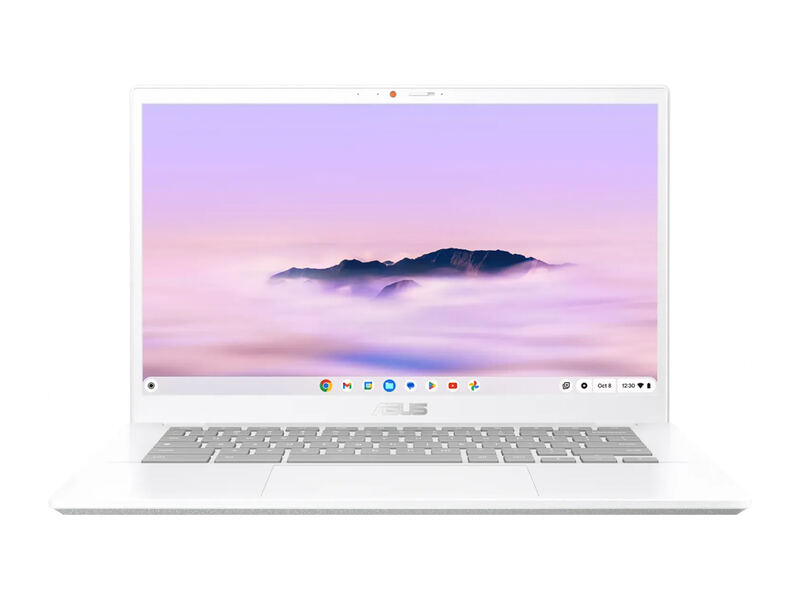
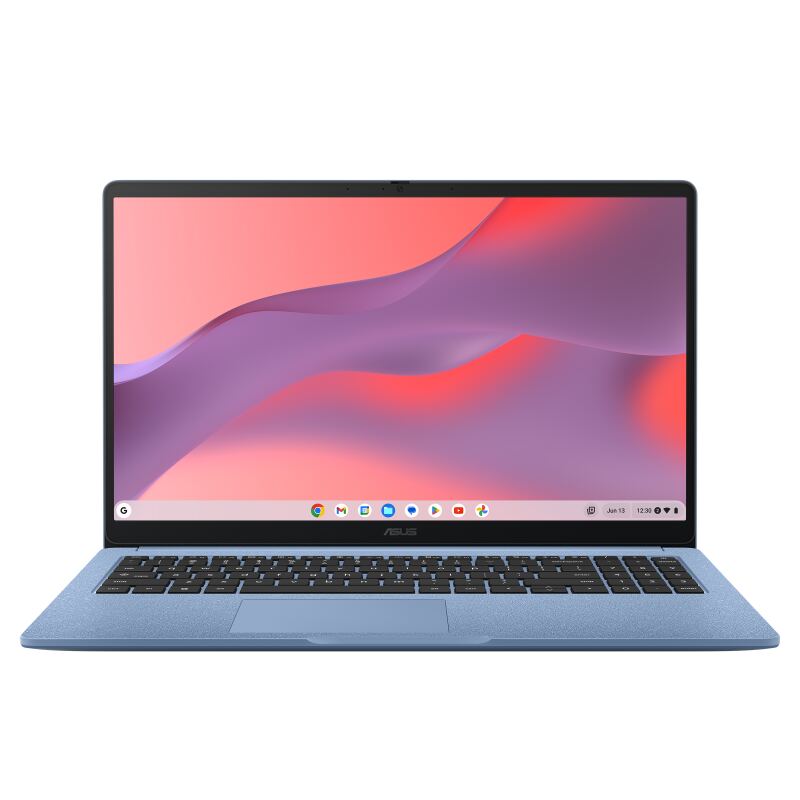
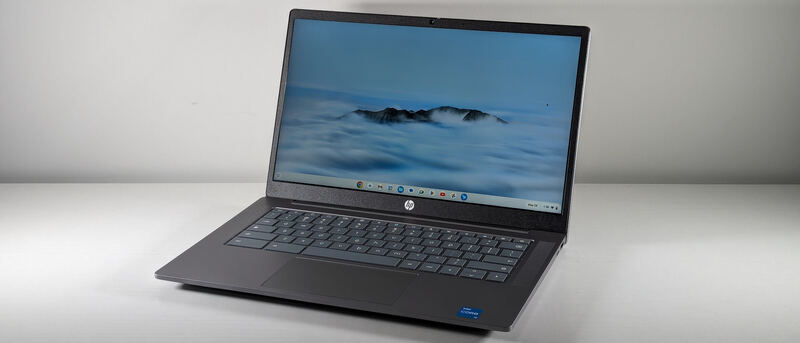
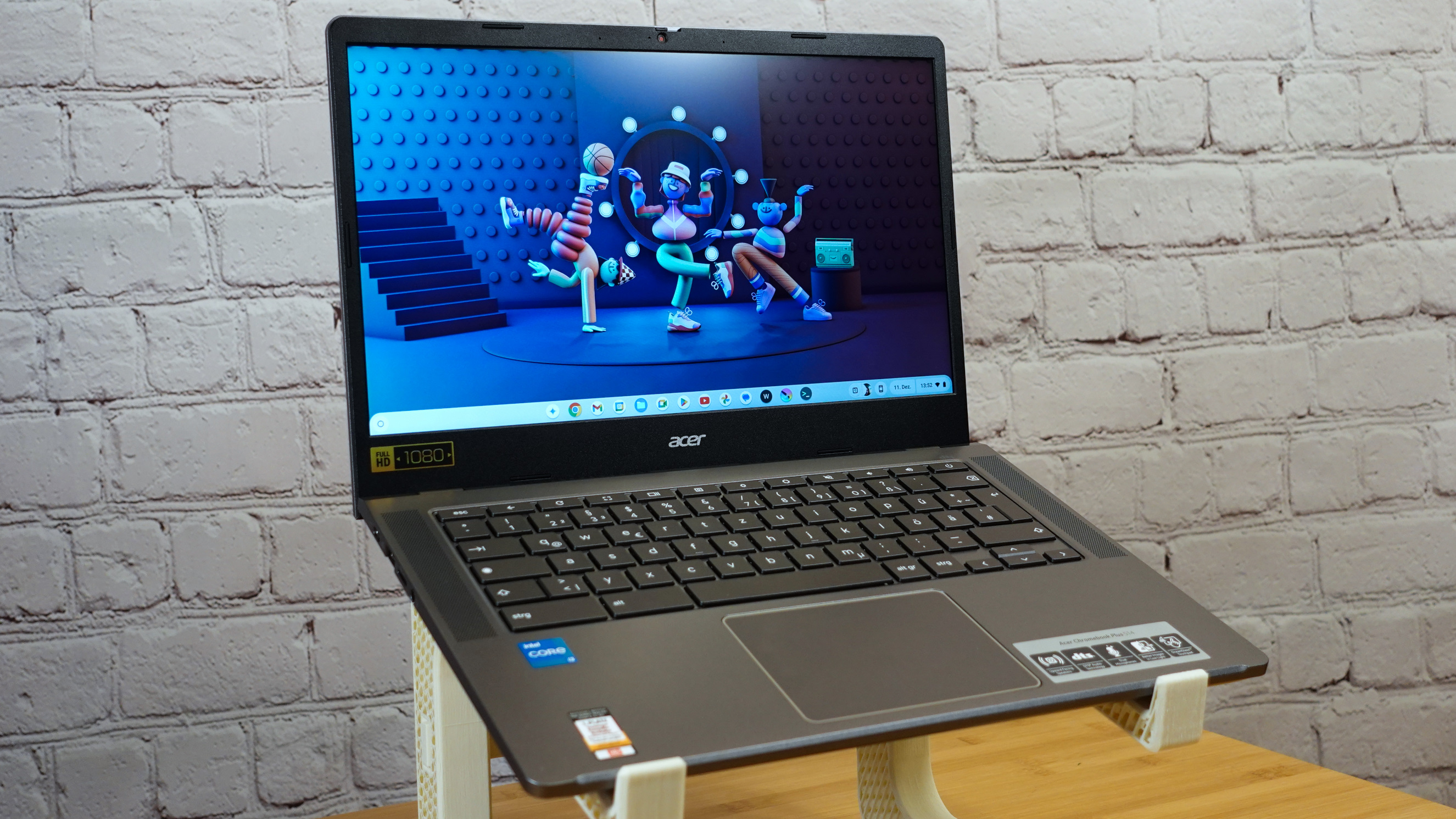
The Acer Chromebook Plus 514 is the storage-and-value pick: a light 14-inch clamshell with a standout 512GB SSD, snappy Intel Core i3-N305 performance, Wi-Fi 6E, and all-day battery. PCWorld called it a decent budget Chromebook that beats competitors on RAM and storage and felt as quick as pricier peers, while TechRadar praised its speed, display, and sleek design. The screen is a touch dim, but for local storage per dollar nothing here comes close.
Full review
Felt as quick as pricier machines
The Acer Chromebook Plus 514 runs an 8-core Intel Core i3-N305 and feels notably quicker than its modest price suggests. PCWorld's reviewer reported that "the Chromebook Plus 514 felt as quick as its more powerful peers," handling the web apps, Android apps, and multi-tab browsing that define ChromeOS use without stutter. TechRadar's verdict reinforced that, summing the laptop up as "a fast machine with a great display and a sleek design," a strong endorsement for a sub-$400 ChromeOS laptop.
As a Chromebook Plus, it clears Google's higher hardware bar and supports the platform's AI and offline features, including Gemini integration that NotebookCheck called out in its "solid laptop with long runtimes and Gemini AI support" verdict. The combination of a capable CPU, 8GB of fast LPDDR5 RAM, and a genuinely quick SSD means it rarely feels constrained for everyday productivity and entertainment.
What is notable is how little you give up on speed relative to pricier machines. PCWorld's point that it "felt as quick as its more powerful peers" is the practical takeaway: for the web-centric workloads ChromeOS is designed around, the i3-N305 is more than sufficient, and the fast SSD means apps and files load instantly rather than after the lag you get from the eMMC storage in the Lenovo Flex 5i and HP 14a. It is a reminder that on a Chromebook, storage speed often matters as much as raw CPU horsepower for the perceived snappiness of the system.
Storage and Value
Storage is the Acer 514's signature advantage. PCWorld singled it out, noting the configuration's "8GB of RAM and a remarkable 512GB solid state drive" and calling it "alluring." That 512GB PCIe Gen 4 SSD is four times the 128GB found on the Lenovo Flex 5i, ASUS CX34, and HP 14a, and it is a real SSD rather than slower eMMC, so it is both larger and faster. For anyone who downloads files, keeps a big Google Drive cache offline, or installs many Android apps and Linux tools, that headroom is transformative.
Crucially, all that storage comes without a price premium: the 514 sits in the same sub-$400 bracket as its rivals. PCWorld's framing of it as a budget Chromebook that "beats competitors on RAM and storage" captures the value proposition cleanly. If you measure Chromebooks by capability per dollar, the 514 is the strongest in this group. The storage advantage also has a longevity angle: ChromeOS and Android apps, Linux containers, and offline media all grow over a device's life, and a 128GB drive that feels fine at purchase can become a constant juggling act of deleting files a year in. The 514's 512GB SSD largely removes that worry, which is a quietly important quality-of-life benefit that does not show up in a quick spec comparison.
Build, Portability, and Connectivity
At just 3.15 pounds, the 514 is the lightest device in this comparison, making it the easiest to carry between classes or meetings all day. The chassis is sleek and slim, and while it lacks the premium aluminum hand-feel of the Lenovo Flex 5i, TechRadar still rated the overall design favorably. It is a clean, unfussy 14-inch clamshell that prioritizes practicality, and the light weight is a meaningful everyday benefit for anyone carrying it between classes or meetings throughout the day.
Connectivity is modern and complete, headlined by Wi-Fi 6E for the fastest current wireless and a 1080p webcam that meets the Chromebook Plus standard for video calls. USB-C and USB-A ports cover charging, external displays, and peripherals. Combined with the light weight, this makes the 514 a strong mobile companion for students and hybrid workers who value portability and future-proof wireless.
The Wi-Fi 6E radio is a genuine differentiator at this price, opening access to the less congested 6GHz band for faster, more reliable connections on a compatible router, where most budget Chromebooks top out at Wi-Fi 6 or even Wi-Fi 5. Paired with the FHD webcam that meets the Chromebook Plus standard, the 514 is well-equipped for video calls and cloud-heavy workflows. The overall package, light, fast, well-connected, and capacious, is unusually well-rounded for a sub-$400 laptop, even if it does not chase a premium look.
Display
The 514's 14-inch 1920x1080 IPS touchscreen is sharp and color-accurate, but brightness is its weak point. PCWorld measured a maximum of "roughly 315 nits," warning that the "display can look dim in a brightly lit room." That is fine for indoor and shaded use but limits comfortable outdoor viewing, a common compromise at this price.
The panel is also a 16:9 aspect ratio, so it shows less vertical content than the taller 16:10 1200p display on the Lenovo Flex 5i. For media and general browsing it is perfectly pleasant, but document-heavy users and anyone who frequently works near windows will notice both the dimness and the shorter screen. It is the area where the 514 most clearly shows its budget roots, and the one place where spending a little more on the Lenovo Flex 5i buys a tangible upgrade.
315-nit display looks washed out in bright rooms
The 514's main shortfall is its display: at around 315 nits it can look washed out in bright rooms or outdoors, and the 16:9 shape is less productive than the Flex 5i's 16:10 panel. The design, while light and tidy, is plain and lacks the premium feel buyers get from the aluminum Lenovo. Battery life is good and clears a workday, but it trails the marathon endurance of the ASUS CX34.
None of these undercut the core value story, which is built on storage and speed rather than screen or chassis. But they do define the 514's niche: it is the pick for buyers who care most about capacity and performance per dollar, and who can accept an average display and plain styling to get them.
Four times the storage of the Lenovo Flex 5i
Against the Lenovo IdeaPad Flex 5i Chromebook Plus, the Acer 514 offers four times the storage and a lighter chassis, while the Lenovo wins on display quality, build, and 2-in-1 versatility. Compared to the ASUS Chromebook Plus CX34, the 514 leads on storage but trails on battery life, with both offering similar everyday speed.
The HP Chromebook Plus 14a shares the same i3-N305 processor but pairs it with only 128GB of storage and a dimmer, less capable package, so the 514 is the clearly better buy of the two. The budget ASUS Chromebook CX15 is far slower and smaller-capacity. For storage and value seekers, the 514 is the standout; for everything else, one of the higher-ranked picks fits better.
Best for buyers who store files locally
The Acer Chromebook Plus 514 is the best choice for the buyer who keeps a lot of files, photos, apps, or offline content locally and does not want to manage a tiny 128GB drive. Its 512GB SSD, fast i3-N305, light weight, and Wi-Fi 6E make it a capable, portable workhorse that punches above its price on the metrics that matter most to power-leaning users.
It is a weaker pick for those who want the brightest, tallest screen (the Lenovo Flex 5i), the longest battery (the ASUS CX34), a convertible tablet mode (only the Flex 5i), or a premium chassis. But if local storage and capability per dollar are your priorities, the 514 is the smart buy in this lineup, and it is the rare budget Chromebook that will not have you managing free space within a year.
Strengths
- +Huge 512GB PCIe Gen 4 SSD, far more local storage than rivals
- +Feels as quick as pricier peers in everyday ChromeOS tasks
- +Light at just 3.15 pounds and easy to carry all day
- +All-day battery handles a full eight-hour workday of web apps
- +Wi-Fi 6E and a 1080p webcam round out a strong feature set
Watch-outs
- −Display tops out around 315 nits and can look dim in bright rooms
- −16:9 1080p panel is less spacious than the Lenovo's 16:10 screen
- −Plain design lacks the premium feel of the Lenovo Flex 5i
- −Battery, while good, trails the ASUS CX34's marathon runtime
How it compares
It shares the i3-N305 platform with the HP 14a but pairs it with far more storage and a lighter chassis. Its widescreen panel is less spacious than the Flex 5i's taller screen and dimmer than ideal.
Rating sources
“8GB of RAM and a remarkable 512GB solid state drive. That's alluring.”
“A fast machine with a great display and a sleek design.”
“A solid laptop with long runtimes and Gemini AI support.”
Our 3.8 score is the average of these published ratings. Ratings marked * were derived from the reviewer’s written analysis or video transcript — the publisher didn’t print an explicit numeric score, so we inferred one from their own words. Click through to verify. More about methodology.