The AVerMedia Live Gamer 4K (GC573) is the internal-card pick, delivering 4K60 HDR10 capture and high-frame-rate 1440p144/1080p240 modes from a PCIe slot. Reviewers praise its low latency and superb footage, and it often undercuts Elgato's internal 4K60 Pro. The catch is a documented PCIe-bandwidth quirk that can cap capture near 55fps on some setups, so slot placement matters.
Full review
Installs in under five minutes
The AVerMedia Live Gamer 4K (GC573) was the first add-in card to offer 4K60 HDR recording and passthrough, and reviewers still rate it as a strong internal option. Stream Tech Reviews found the captures excellent in both RECentral and OBS, with very little delay between playing on a PS4 Pro and seeing the image on a PC monitor. HEXUS confirmed it installs in under five minutes including software and called it the pinnacle of capturing and streaming quality via HDR on paper.
WCCFTech framed it as HDR and 4K60 support that does not break the bank, undercutting Elgato's internal 4K60 Pro on price. In practice the card produces superb footage with minimal latency, which is exactly what desktop streamers buying an internal card are after.
Capture Quality and HDR
The GC573 captures and passes through 4K60 HDR, plus high-frame-rate 1440p144 and 1080p240 modes. Reviewers consistently praised the image quality: Stream Tech Reviews described the captures as excellent and the preview window as playable without lag, and HEXUS noted the card offers the pinnacle of HDR capture quality for its price class.
As an internal PCIe card it keeps the capture pipeline inside the PC, which can mean lower latency on the capture side than a USB box. For desktop creators who want 4K60 HDR recording and already have a free slot, the footage quality is genuinely competitive with far more expensive cards.
Setup and Compatibility
Installation is straightforward for anyone comfortable opening a PC: HEXUS reported the card and software were fully up and running in under five minutes. The trade-off versus the external Elgato and AVerMedia cards is that the GC573 only works in a desktop with an open PCIe slot — there is no laptop or console-only use, and you give up the portability of a USB box.
Historically, the best 4K, HDR and high-frame-rate recording on the GC573 favored NVIDIA graphics cards, a quirk worth checking against your own GPU. It is a desktop-only proposition, so buyers who want flexibility across multiple machines are better served by an external card.
Software and Recording Workflow
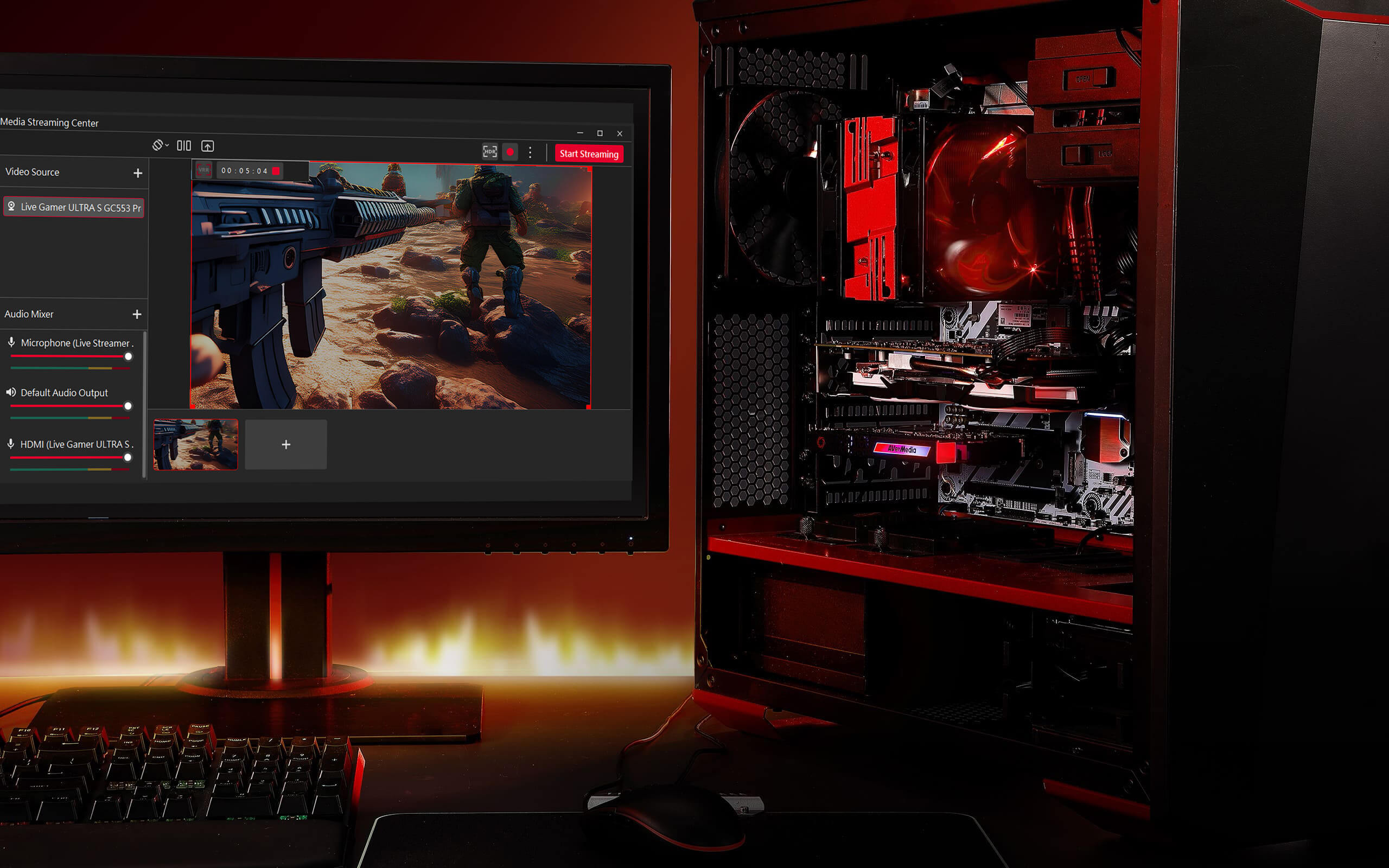
On the software side the GC573 ships with AVerMedia's RECentral and works cleanly in OBS, the two paths most streamers actually use. Stream Tech Reviews found the captures excellent in both RECentral and OBS, so the workflow is flexible whether you prefer AVerMedia's own app or a third-party encoder.
The one historical software weak point reviewers raised is the bundled PowerDirector editor, which lacked HEVC and HDR editing support — undercutting two of the card's marquee capture features for anyone who relied on the included editor. Most serious creators edit in their own NLE, so this matters less in practice, but it is worth knowing that the in-box editing software did not fully exploit the card's HDR and high-efficiency capture. Pairing the GC573 with a capable editor unlocks the footage quality the hardware is capable of.
Can cap out near 55fps, not 60
The most-cited issue is a PCIe-bandwidth quirk. Even though the card is specced for a PCIe x4 slot, reviewers including Stream Tech Reviews found that in practice it can be capped around 55fps instead of the expected 60fps depending on the motherboard and slot, sometimes requiring an x16 slot for full performance. Slot placement genuinely matters here.
Passthrough latency is the other weak point: reviewers described it as less than stellar, with the return signal too laggy to comfortably game on. The bundled PowerDirector software also historically lacked HEVC and HDR editing support, undercutting two of the card's best features. None of these sink the card, but they make it a more demanding buy than the external options.
Passthrough latency lags behind external cards
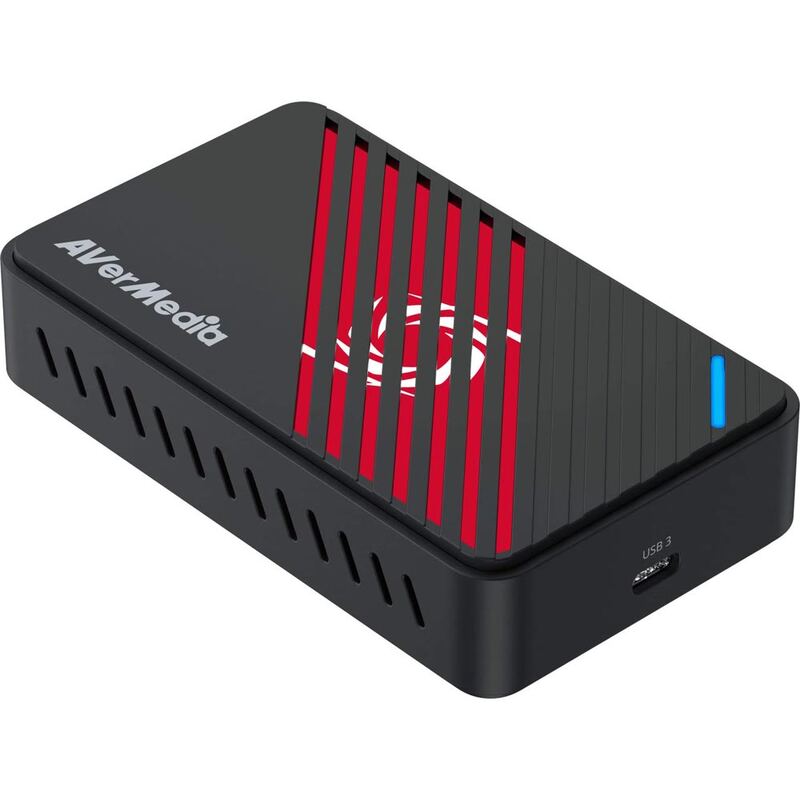
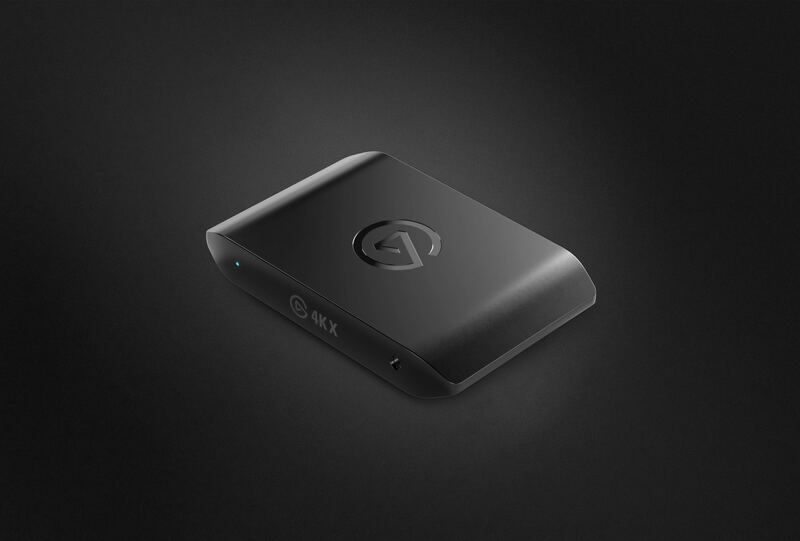
Against the external AVerMedia Live Gamer Ultra S (GC553Pro), the GC573 captures the same 4K60 but inside the case, trading plug-and-play convenience for an internal slot and the bandwidth quirk. Compared to the Elgato 4K X, it lacks the 4K144 ceiling and HDMI 2.1, and its passthrough latency is worse than that external box.
Versus the Elgato HD60 X, the GC573 captures at a much higher 4K60 resolution but loses on simplicity and passthrough usability. The GC573 makes the most sense specifically for desktop builders who want an internal 4K60 HDR card and are willing to manage slot placement to dodge the bandwidth cap.
Undercuts Elgato's internal 4K60 Pro
The GC573's value play is internal 4K60 HDR capture that historically undercut Elgato's internal 4K60 Pro. WCCFTech framed it precisely as HDR and 4K60 support that does not break the bank, and for a desktop builder who wants the capture card inside the case rather than a USB box on the desk, it remains a sensible spend. The price sits between the external AVerMedia GC553Pro and the flagship Elgato 4K X.
Where the value gets complicated is the PCIe-bandwidth quirk: if your motherboard caps the card near 55fps in the available slot, you are paying for 4K60 you cannot fully use without moving it to an x16 slot. Factor in the desktop-only requirement and the historic NVIDIA-GPU preference for full performance, and the GC573 is good value specifically for builders who can guarantee it a proper slot — and a poor fit for anyone who cannot.
Frees your desk of an external box
The Live Gamer 4K (GC573) is for desktop PC streamers who specifically prefer an internal card, want 4K60 HDR capture, and have a free PCIe slot they are happy to dedicate. If you want to keep a USB port free and like the idea of the capture pipeline living inside the machine, and you can place it in a slot with full bandwidth, it delivers excellent footage for the money and frees your desk of an external box.
It is the wrong pick for anyone who needs portability, console-only capture, or a low-latency passthrough to game on — those buyers want an external card like the GC553Pro or HD60 X. Treat the GC573 as a desktop specialist that rewards a careful install and a motherboard that gives it the bandwidth it needs.
Strengths
- +4K60 HDR10 capture and passthrough as an internal PCIe card
- +Supports high-frame-rate 1440p144 and 1080p240 capture
- +Very low latency capture with playable preview window
- +Internal design frees up desk space and a USB port
- +Often cheaper than Elgato's internal 4K60 Pro alternative
Watch-outs
- −PCIe x4 bandwidth quirk can cap capture near 55fps on some boards
- −Passthrough latency too high to game on the return signal
- −Best 4K/HDR/high-fps recording historically favored NVIDIA GPUs
- −Requires an open PCIe slot, so no laptop or console-only use
How it compares
The GC573 is the only internal PCIe card here, capturing 4K60 like the AVerMedia Live Gamer Ultra S (GC553Pro) but inside the case.
Rating sources
“The captures from this card were excellent in both the RECentral software and OBS.”
“The first add-in card to offer 4K60 HDR recording and pass-through.”
“HDR and 4K60 support that won't break the bank in an internal capture card.”
Our 4.1 score is the average of these published ratings. Ratings marked * were derived from the reviewer’s written analysis or video transcript — the publisher didn’t print an explicit numeric score, so we inferred one from their own words. Click through to verify. More about methodology.